
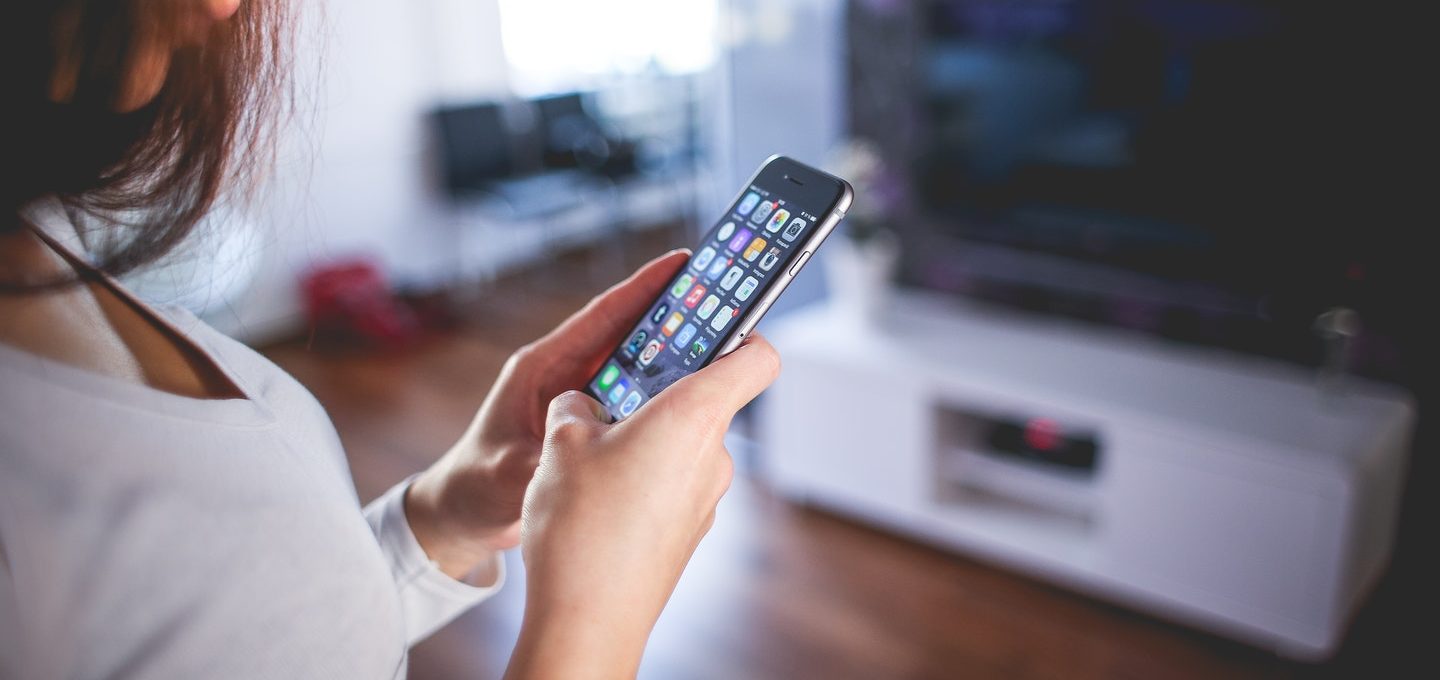
Chances are that when you hear of security software, you think of computers. Yes, computer systems are vulnerable to a variety of viruses, scams and malware. But did you know that your cell phone is also exposed to threats?
Your smartphone carries a wealth of personal information, from emails, to passwords, to banking information and hackers can easily target your mobile device. In fact, mobile phones now rival computers as frequent targets for cybercriminals. Since smartphones are a major hub for both your personal and professional life, it’s important to guard your data.
Let’s explore the kinds of threats you could face on your phone if you don’t protect your online information.
Spam calls
Deceiving calls can be very convincing. Spam callers can even use a trick called “spoofing” to change their phone number, so it appears similar to yours. These kinds of hackers can convince you to give up personal information, such as credit card details, by masquerading as someone else. Never give out your social security number or banking details to incoming calls, always call your bank directly yourself.
Online scams
When surfing the web on your phone, it’s easy to come across spam websites that could result in malware. Malicious websites can infect your phone with attacks like ransomware, when a hacker takes control of your device and/or data and forces you to pay a ransom to get it back, or phishing, a kind of cybercrime in which you could be contacted via email or text by someone posing as legitimate to lure you into providing sensitive data.
Ad trackers
Essentially, ad trackers watch your behaviour online. Your phone is able to track you and provide your details, such as GPS location and browsing history, to third parties. Data sharing for the purpose of targeted advertising is common practice nowadays, and user data is an enormous commodity.
Malware apps
While both Apple and Google make continuous efforts to eliminate malware from their official app stories, malicious apps find ways to sneak back in. Many mobile malware apps aren’t visible to the user, and “hide” on a device. This way, the malware is able to hijack the device to steal information, serve unwanted ads and more.
While every scam is different and hackers are becoming more advanced all of the time, there are a few common things to watch out for. In addition, there is software on the market to shield your smartphone from scams.
Be wary of requests
If you’re being prompted to pay money, give sensitive information, visit a website via a link, or download an app from an unknown or suspicious person, these are tell-tale signs of a scam.
Turn on privacy settings
While you can’t block all tracking on your phone, there are some settings that can be updated for more privacy. On both Apple and Android phones, there are options to search “incognito,” clear your history and so on.
Consider security software
There are several software options on the market that protect the security of your phone by blocking spam calls, filtering text messaging, blocking ads and/or protecting you from scam websites.
Computers aren’t the only devices that need protection from hackers and malware. Consider options to secure the information and software on your phone, too.