
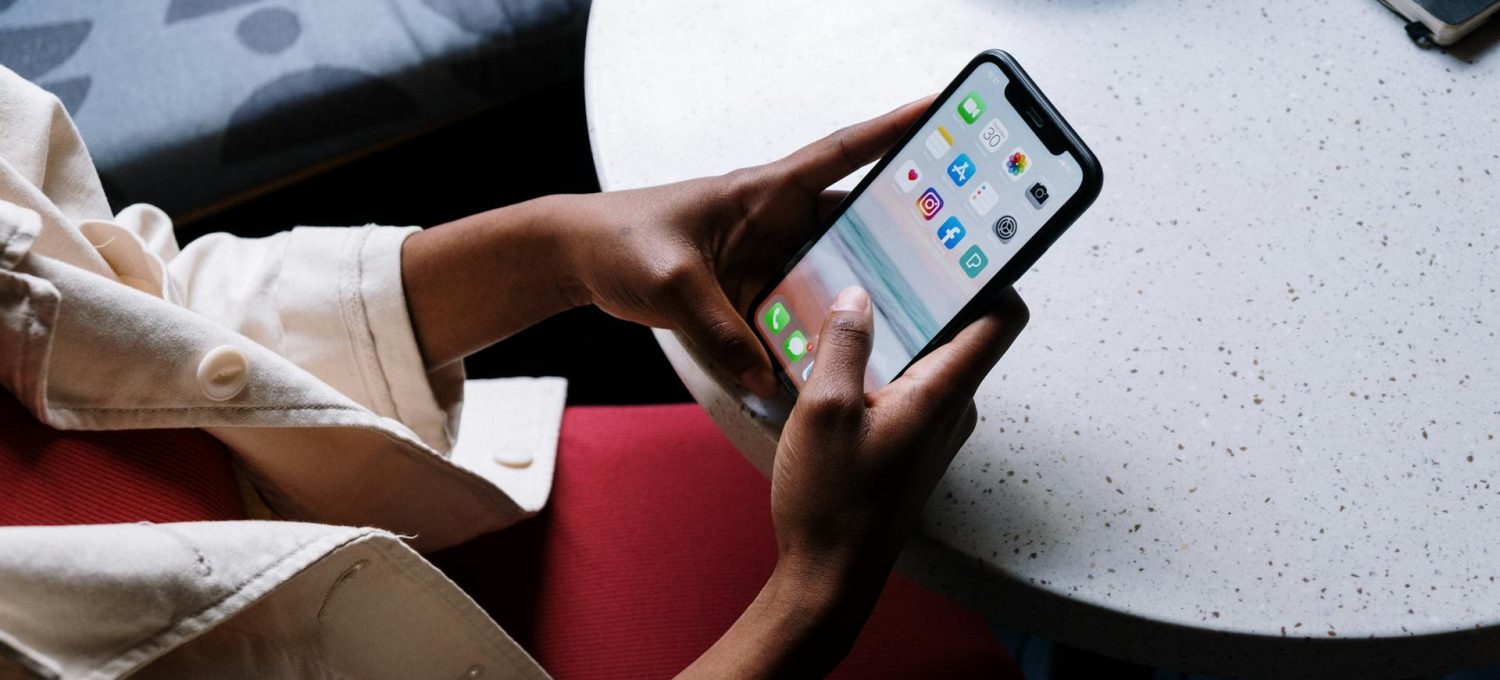
iOS 18 seems to be taking gaming one step beyond. Apple is investing more and more in the entertainment side of things, with the Game Mode feature redirecting several system resources to maintain the frame rate required to support the latest releases. The following guide explores this new mode in greater depth.
What does the new Game Mode do?
The new Game Mode essentially improves the connectivity of Bluetooth controllers and reduces lag. Although mobile-optimised games don’t tend to be resource-heavy, if you have a lot of things running in the background of your iPhone, latency becomes a greater concern and you may feel as though you’re not getting the best experience possible. That’s why, whether you enjoy Guess the Song from the App Store or you like to play Fishin’ Frenzy at Betfair Casino, whatever your preference, the Game Mode will be especially useful for you in all your faster-paced online gaming. In the case of the latter, low latency is key, as the game relies heavily on smooth spinning animations. Animations that lag or freeze in this instance would impede the game’s potential. Therefore, fluidity is important here, and with Game Mode, you can make sure you’re getting consistently good experiences as your phone won’t be limiting your connection or available resources.
When you activate iPhone 18’s Game Mode, the device’s polling rate is doubled, and there’s also support for Personalised Spatial Audio if you have AirPods 3 or AirPods Max. Features like this help to provide both a much smoother and more immersive experience for gamers. Apple haven’t shared the specific system specifications needed to use Game Mode, but if you have an iPhone that runs iOS 18 then you should likely be able to activate it.
Activating the new Game Mode
If you want to activate the new Game Mode, then you need to make sure that you are running iOS 18 on your phone. Launch any game you want, and you should see a message saying Game Mode On at the top of the screen. If you want to disable Game Mode manually then all you must do is tap the alert. When you’ve done this, tap on Game Mode again and it will keep background activity running as it normally would. In other words, it won’t divert your system resources to your game, and you will be able to use your phone as usual. You will have a few seconds where you might see the Game Mode notification appear, so if you want to turn it off then you will have options to at this point.
Overall, this is shaping up to be a very welcome feature. With so many features coming to each new software release, it’s evident that Apple is currently investing wisely in its updates, and gamers are all here for it. If you answer a phone call when playing a game you shouldn’t notice any drop in your audio quality, and if you happen to be wearing a set of AirPods then it should still connect as it normally would. The result is a Game Mode that can be used to improve game performance without taking away from the core features of your iPhone, which is great, to say the least.