
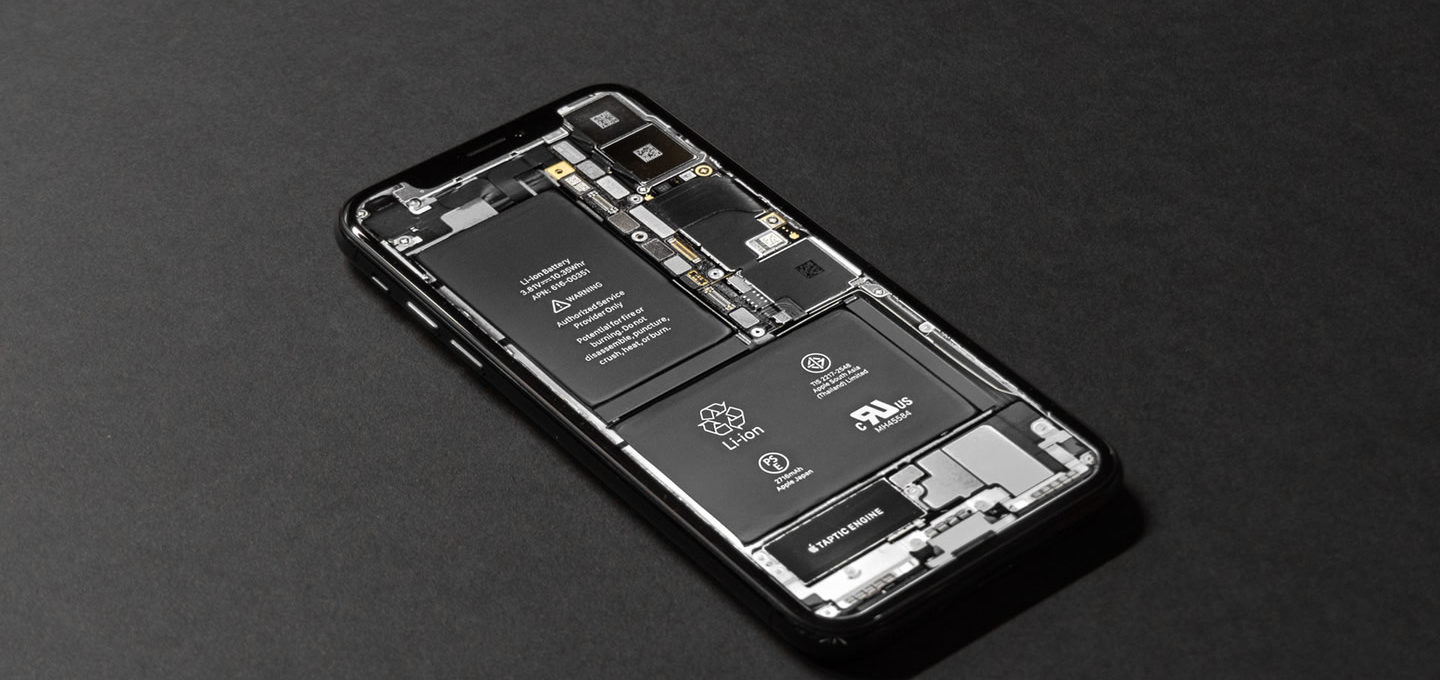
The technology we use is often unreliable, and getting around that often means upgrading or getting a new phone. But that isn’t cheap unless your model is a complete write off, and to let you in on a little secret, they rarely are! So, with this in mind, use your new found knowledge to set up your own phone working station right there in your home.
We’ve all wanted to throw our phones across the room at some point in owning one. A lot of us have in fact! Yet, getting frustrated because of a bug or a cracked screen doesn’t have to mean you need even more repairs than what the retailer told you when you contacted them with a problem. In fact, you can cut down on those completely when you have a few mobile hacks up your sleeve. Here’s some of the best to make your phone owner journey much easier than it usually would be.
Saving battery
This is actually pretty simple when it comes to it, and most apps have a battery saving feature innate in the settings section of your phone. So, for a couple of quick and simple methods: turn off any of your cellular data, and then pop your phone on airplane mode. It will charge faster and conserve battery as your phone and all its apps aren’t constantly wasting battery to try and find a signal. Target the apps that use up the most data, which saves on your 4G plan as well, and commute in comfort for a lot longer.
Similarly, also turn your background data and updates off, as this is one good way to make sure your phone doesn’t overheat in its attempts to keep everything running smoothly. Whenever something runs in the background without your sayso, it’s draining your limited battery life. Considering you’re not using these apps, it won’t be a problem, and you can just open them again if you need them.
On the other hand, make it a habit to make sure your phone never runs out of battery and dies, and always make sure it goes on charge at night. Battery discharge means we lose a small percentage of its power capacity each time, so keeping it alive and well is the way forward.
Using all the different App Stores
So this one isn’t going to change the functionality of your phone per say, but it is going to make using the app store a lot easier, and discovering hidden gems can be a daily activity. Of course you can just surf the ‘most popular’ sections on the homepage of the stores to find the Final Fantasy XV download, but getting into a little more of the nitty and gritty is essential for the free apps that do the exact same things as the paid ones. We all need more of those!
A good first port of call is to use a search engine to find the app you’re looking for, as this is the best way to scroll through all the app store results including the title you’re looking for, and then rank the search results by date or rating. Then keep up with the searches if you don’t find what you’re looking for at first! Persistence gets the best results after all; change your search term each time and use a variety of keywords, and even surf the developer’s page to see if you can all their creations.
Keep regular backups
If you have important photos, videos, and notes stored on your phone, make sure you keep a regular backup of them. We often never know when our phones are going to stop working, so a schedule set up to be automatic and often.
Don’t just trust the inbuilt cloud system, and don’t stick to just one backup provider. Unfortunately, as plenty of bugs and crashes can occur, whenever you back something up, you may lose some of your data, so keep this to a minimum by branching out across storage solutions.
Despite how horrible an interface can feel to us, every time an update comes out, our phones stop working properly, so keeping a model on its latest patch is one of the best ways to stay working. Yet, you shouldn’t have to know everything about technology to know how to keep your phone in a working state, so use resources online to your advantage, and always visit the shop as a last resort!
Photograph by Tyler Lastovich